
Buying credit
What users see
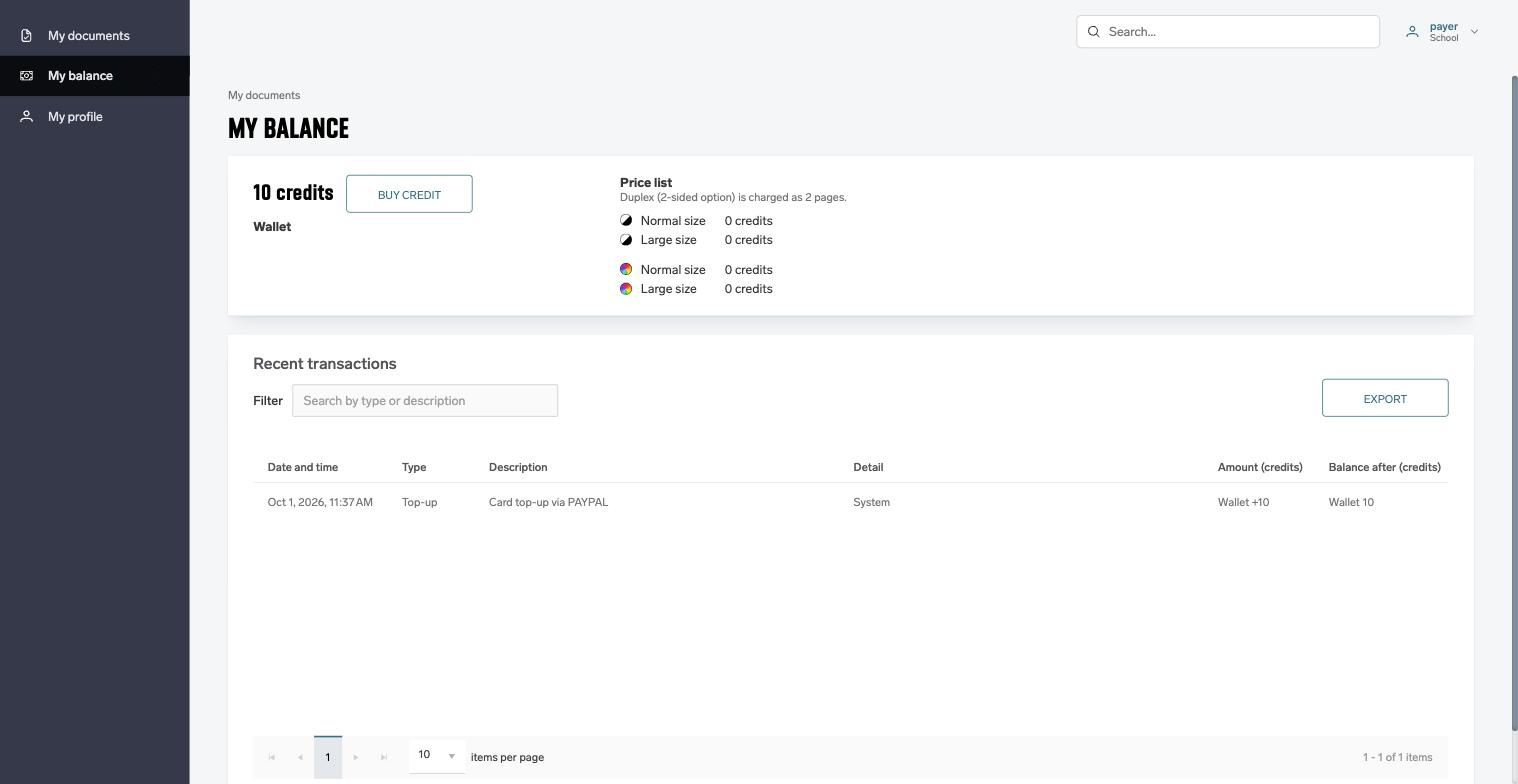
A user with a wallet opens My balance and clicks Buy credit. The button is shown only when a gateway is enabled and fully configured and the pricing allows at least one purchase. Otherwise the page says "Contact your administrator to top up your wallet."
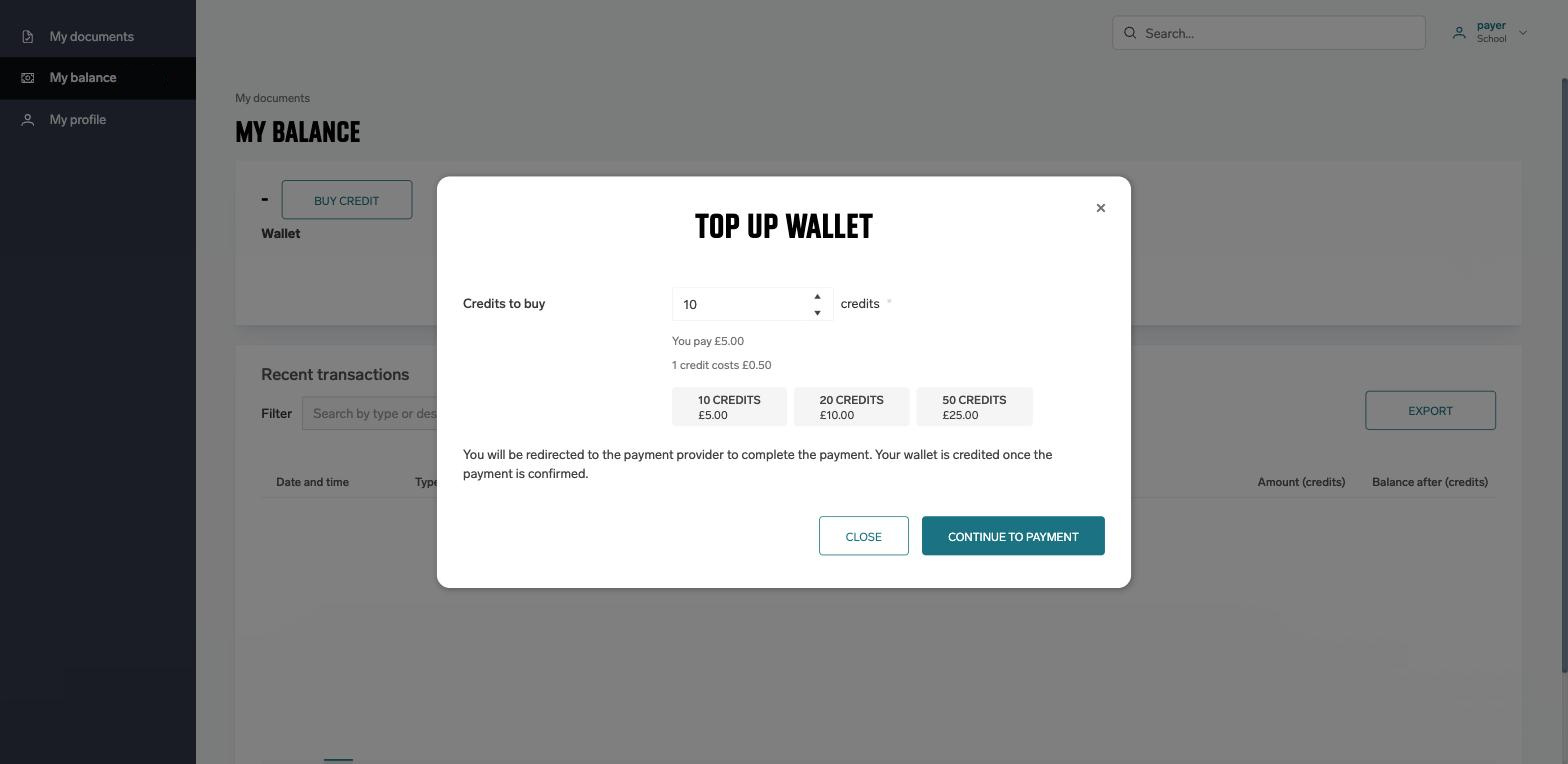
In the Top up wallet window the user enters the number of credits to buy, or picks one of the preset amounts. The window shows the price per credit and the total to pay. When the account has more than one gateway, a Pay with list lets the user choose. Continue to payment opens PayPal.
At PayPal the user signs in to a PayPal account or pays as a guest by card, confirms the amount and is sent back. My balance then shows one of these messages:
|
Message |
When it appears |
|---|---|
|
Your wallet has been topped up. |
PayPal confirmed the payment and the credits are already in the wallet. |
|
Your payment has not been confirmed yet. Your wallet will be topped up as soon as it is. |
PayPal has not yet confirmed the payment, for example because the user paid by bank transfer (eCheck) which takes days to clear. The wallet is credited automatically when PayPal confirms. |
|
The top-up was cancelled. Your wallet has not changed. |
The user left PayPal without paying. |
|
The payment was refused. Your wallet has not changed — try another card or contact your bank. |
PayPal or the card issuer declined the payment. |
|
The payment expired before it was completed. Your wallet has not changed. |
The payment was not completed within three hours of starting it. |
|
We could not find that payment. If you were charged, contact your administrator. |
The return link did not match any payment of this user, for example after the browser session expired. |
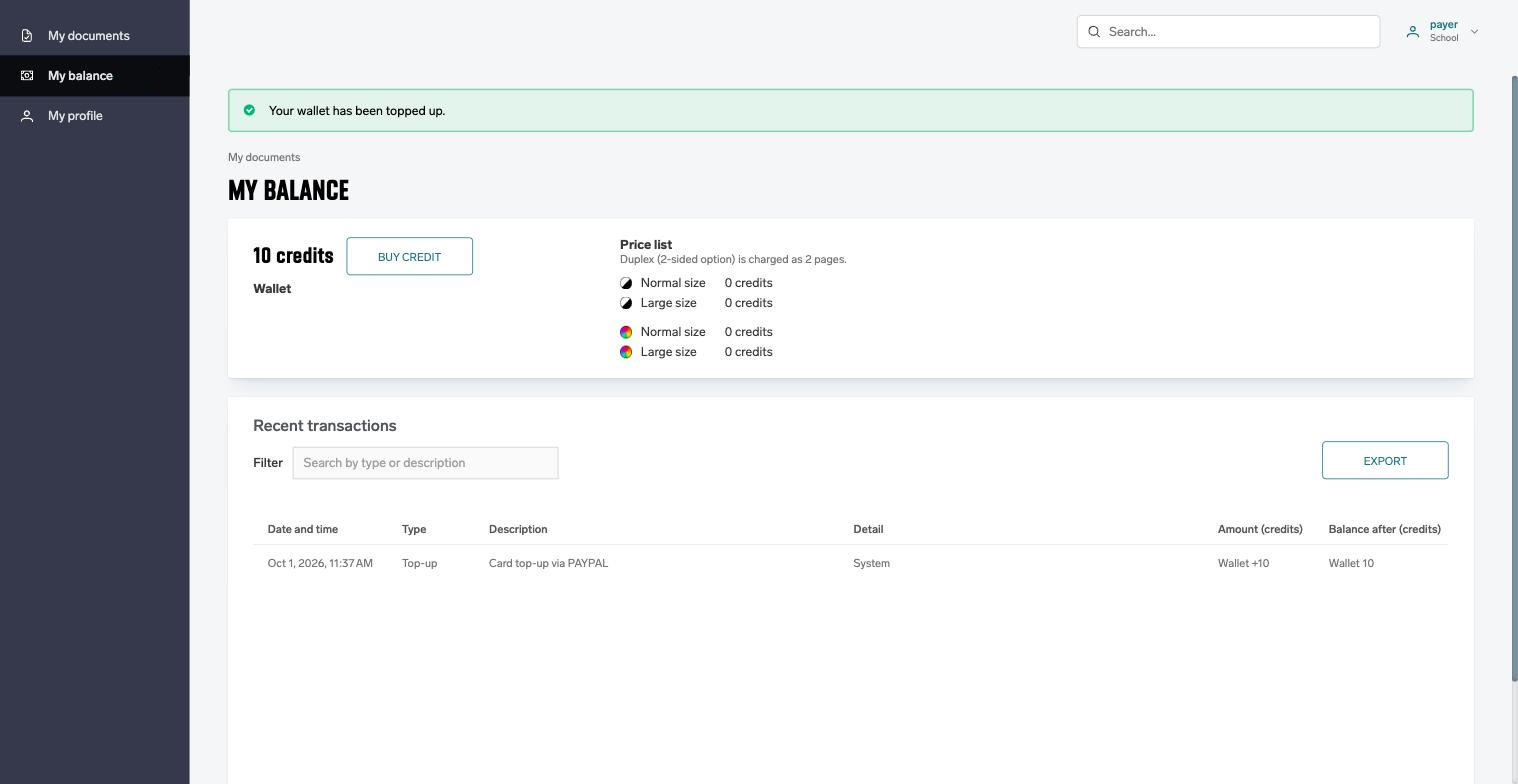
A completed top-up appears in the user's transactions as type Top-up with the description "Card top-up via PAYPAL", both on My balance and in the administrator's Recent transactions window.
How payments are confirmed
Only PayPal's answer decides whether a wallet is credited. The user coming back from PayPal is a hint, never a proof of payment. The outcome is learned in three ways, and the first one to arrive wins:
-
Notification from PayPal to the URL registered at save time. This is the usual path and credits the wallet within seconds.
-
The user's return from PayPal, which triggers a check with PayPal.
-
A periodic check every two minutes, which asks PayPal about every payment that is still open. This also covers users who closed the browser at PayPal, and accounts whose notification URL could not be registered.
A payment that is still open three hours after it was started is marked as expired and the user is told so. If PayPal confirms such a payment later, for example an eCheck that clears after several days, the wallet is still credited.
Refunds and reversals made in your PayPal account are not reflected automatically. Remove the credits by hand with Top up/Withdraw on the Balance tab. The PayPal transaction ID is recorded with the payment to help you match them.