
📃 Balance capabilities overview
The following tables provide an overview of the balance capabilities for each action type (printing, copying, and scanning).
This page complements Balance. For how balance appears on cloud terminals, see Balance on cloud terminals.
The version in brackets under each Cloud Terminal is the version of that Cloud Terminal application from which Balance is supported as described below. It is not the PMC release version, although the numbers can look similar.
Cloud Terminals
|
|
|
KM Unlocked
|
KM Locked
|
Ricoh
|
Canon
|
Xerox
|
Fujifilm BI
|
Sharp
|
HP Workpath
|
Cloud Terminals without Balance support |
|---|---|---|---|---|---|---|---|---|---|---|
|
Secure Print |
Balance checked |
YES |
YES |
YES |
YES |
YES |
YES |
YES |
RELEASED SOON
|
NO printing is not blocked |
|
Accounted |
YES |
YES |
YES |
YES |
YES |
YES |
YES |
YES |
YES |
|
|
Print all – balance checked |
YES |
YES |
YES |
YES |
YES |
YES |
YES |
RELEASED SOON |
NO printing is not blocked |
|
|
Print selected – balance checked |
YES |
YES |
YES |
YES |
YES |
YES |
YES |
RELEASED SOON |
NO printing is not blocked |
|
|
Price recalculated after a change on the terminal |
Number of copies |
YES |
YES |
YES |
YES |
YES |
YES |
YES |
RELEASED SOON |
NO printing is not blocked |
|
B&W / color |
RELEASED SOON [3] |
RELEASED SOON [3] |
NO |
NO |
NO |
NO |
NO |
NO |
||
|
Copy in the Cloud Terminal application |
Balance checked |
YES |
YES |
YES |
Copy is not part of the Canon Cloud Terminal application |
YES |
YES |
YES |
RELEASED SOON |
NO copying is not blocked |
|
Accounted |
YES |
YES |
YES |
YES |
YES |
YES |
YES |
YES |
||
|
Native copy |
Balance checked |
NO copying is not blocked |
YES |
YES [1]
|
YES |
YES |
YES |
RELEASED SOON |
NO copying is not blocked |
|
|
Accounted |
NO native copy is not accounted |
YES |
YES |
YES |
YES |
YES |
YES |
VENDOR SPECIFIC |
||
|
Shown in the terminal UI |
Job price |
YES |
YES |
YES |
YES |
YES |
YES |
YES |
RELEASED SOON |
NO job cost is not presented |
|
User balance |
YES |
RE-LOGIN NEEDED
|
YES |
YES |
YES |
YES |
YES |
RELEASED SOON |
NO balance is not displayed |
[1] The Ricoh Cloud Terminal application displays this message when the user has insufficient balance (0 credit).
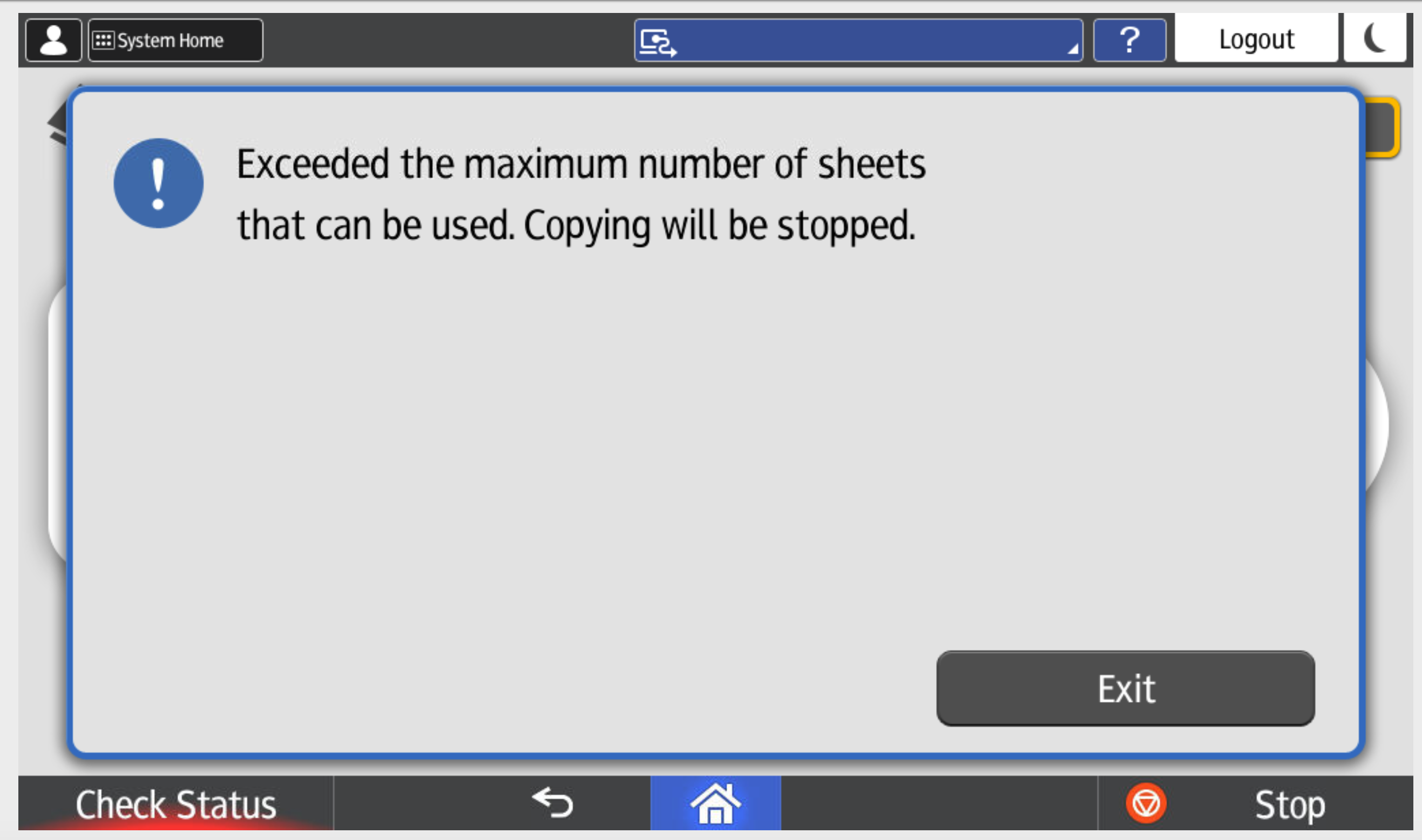
[2] The balance is updated only after logout, so the user can exceed their credit.
[3] Not available in version 2026.11.01. The price recalculation after a B&W / color change will be available in a later Konica Minolta Cloud Terminal version.
Direct / Offline Print
|
|
|
PMC Client
|
PMC Client
|
|---|---|---|---|
|
Direct Print |
Balance checked |
YES |
NO printing is not blocked |
|
Accounted |
YES |
YES, CAN GO TO NEGATIVE |
|
|
Offline Print |
Balance checked |
NO printing is not blocked |
NO printing is not blocked |
|
Accounted |
AFTER RECONNECT can go to negative |
AFTER RECONNECT can go to negative |
Balance checked = The user's balance is verified before the job is released. If the balance is insufficient, the job is not released and therefore not printed.
Accounted = The job price is deducted from the user's balance after the job is released.
Scan/fax
No balance check or deduction applies to scan/fax jobs.