
To reset forgotten password in PMC, perform the below steps.
-
Open the PMC Web UI address.
-
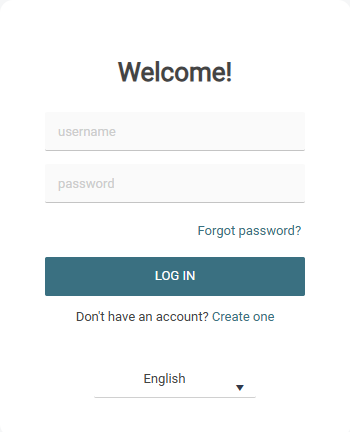
On the login page, click Forgot password?
-
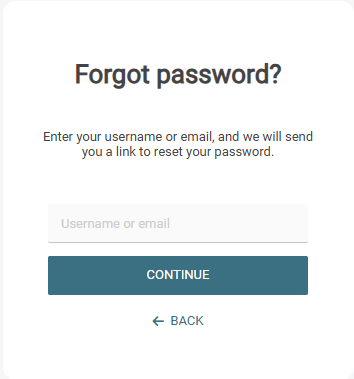
On the following screen (Forgot password), enter your username.
-
Click Continue.
-
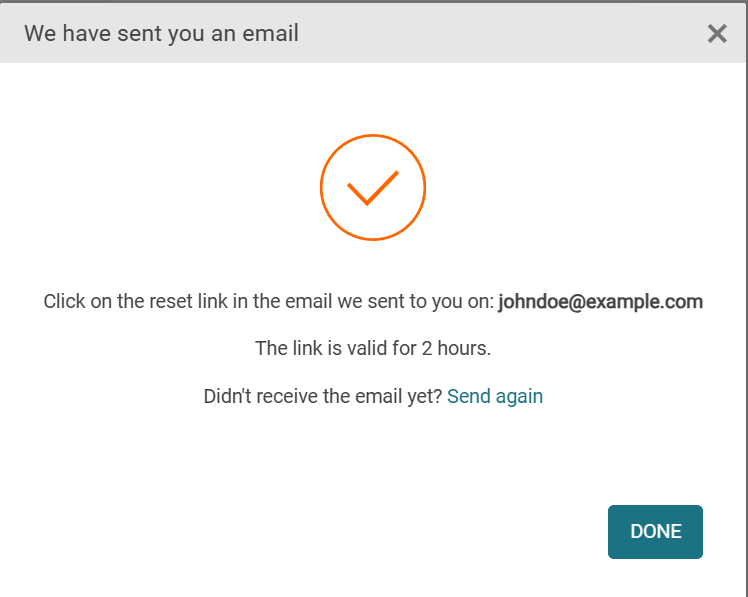
You will receive an email with the reset password link. If the email doesn't arrive, click Send again.
-
In the activation email, click Reset your password.
-
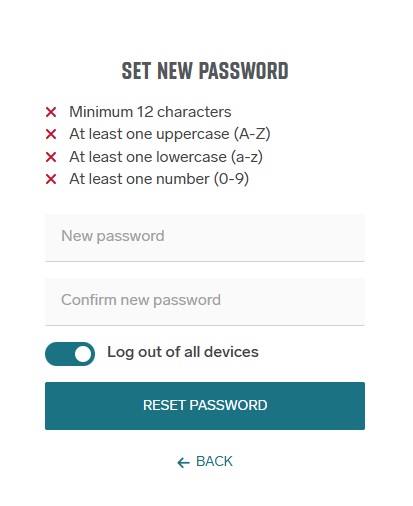
On the Set new password screen, enter your new password for PMC.
-
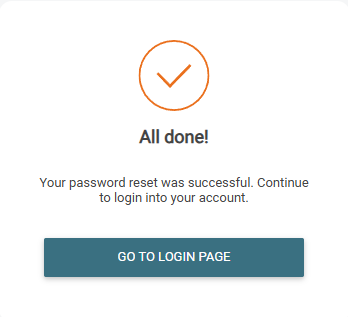
You will see a message that your password reset is completed. If you wish to log in to PMC, click Go to login page.
When Log out of all devices option is selected all user sessions and user refresh token will be invalidated.